Google Meet / Hangout
The Google Meet/Hangouts integration automates your clients' booking by generating a unique video meeting link for every meeting.
When a new meeting is scheduled via SimplyMeet.me, a Google Meet/Hangouts video meeting link is automatically created and added to the meeting details, calendar and email notifications.
Getting started with Google Meet/Hangouts integration
1. In Integrations & Plugins, choose to Enable a Google Meet integration and follow the prompts to connect your Google account.
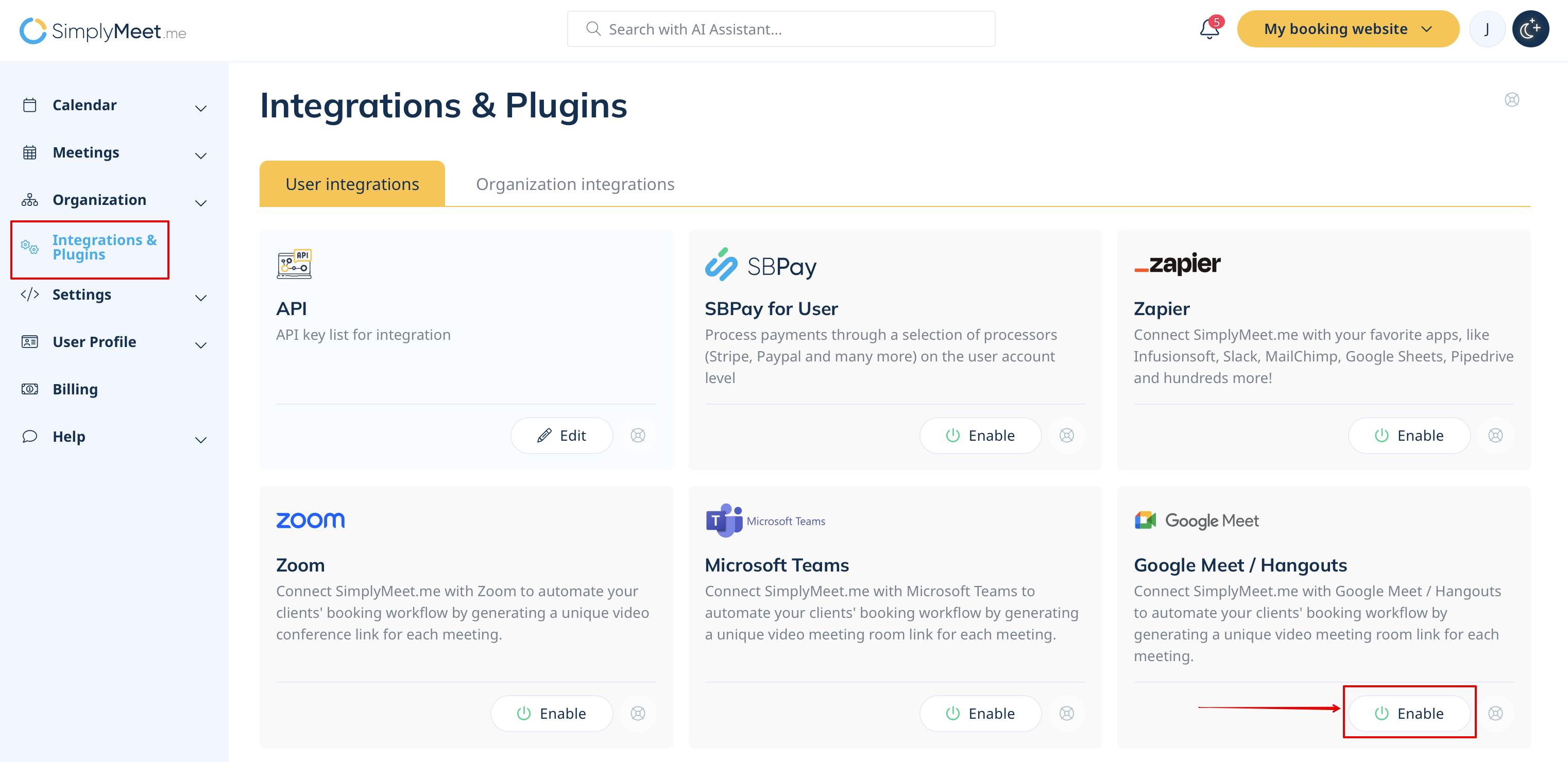
2. In your Meeting Types choose the Google Meet/Hangouts meeting link option from the Video meetings section.

3. Now, when someone schedules a new meeting with you, the Google Meet/Hangouts video meeting link will be automatically generated.
Note It doesn't matter whether the user uses Calendar or Email notifications enabled for the meeting type — this does not affect how the integration functions.
