No edit summary |
No edit summary |
||
| Line 20: | Line 20: | ||
</p> | </p> | ||
<p class="no-margin"> | <p class="no-margin"> | ||
3. Then choose the <strong> | 3. Then choose the <strong>Microsoft Teams </strong> meeting option from the <strong>Video meetings</strong> section.</p> | ||
<div class="intercom-container"> | <div class="intercom-container"> | ||
[[File:Sm ms teams as meeting type new.png|1200px|center|link=https://help.simplymeet.me/images/c/c2/Sm_ms_teams_as_meeting_type_new.png]] | [[File:Sm ms teams as meeting type new.png|1200px|center|link=https://help.simplymeet.me/images/c/c2/Sm_ms_teams_as_meeting_type_new.png]] | ||
Revision as of 14:07, 10 March 2025
The Microsoft Teams integration automates your clients' booking by generating a unique video meeting link for every meeting.
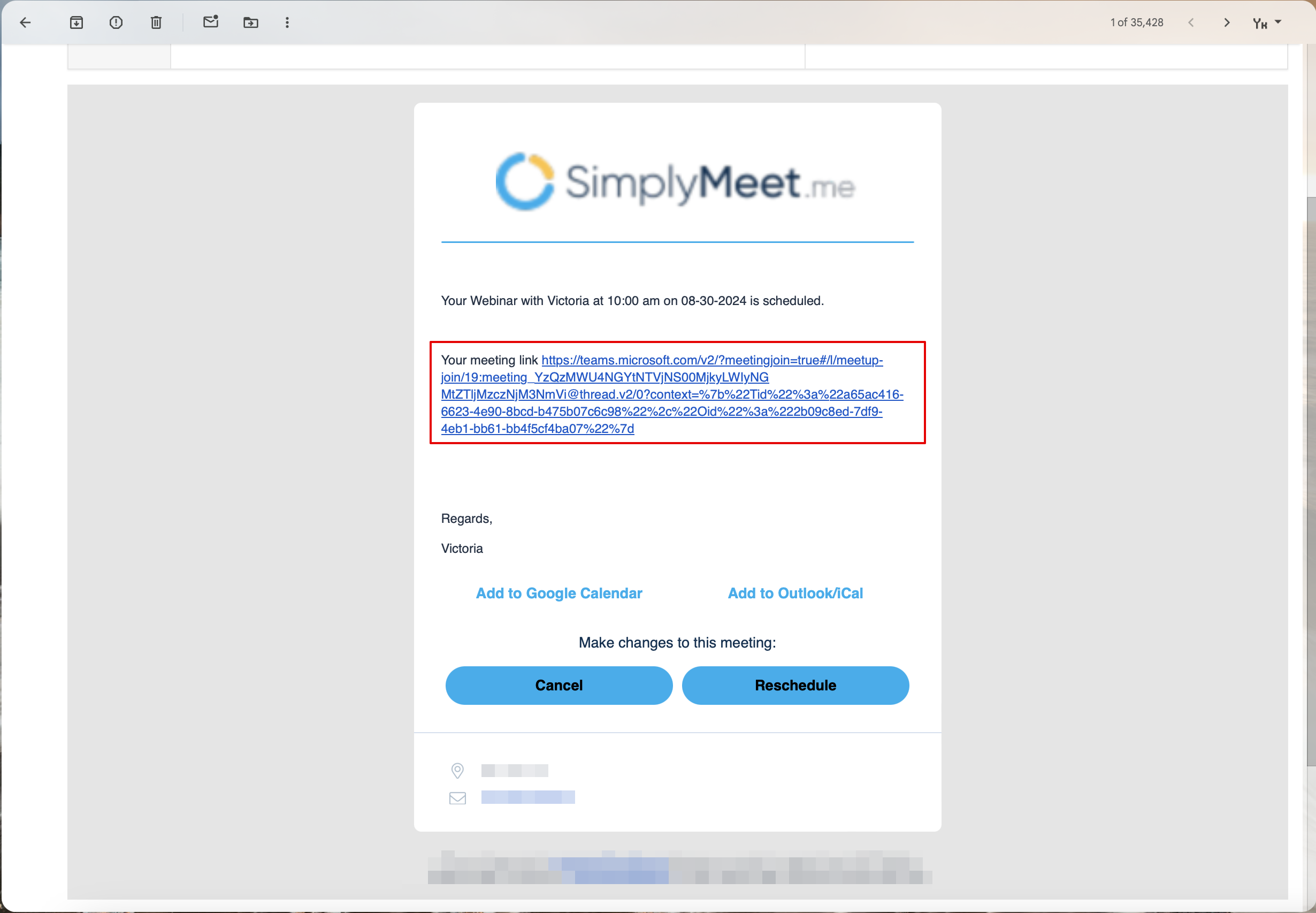
When a new meeting is scheduled with SimplyMeet.me, an online Microsoft Teams video meeting link is automatically created and added to the meeting details, calendar and email notifications.
Note:
- This integration will work only with the Outlook/Office 365 Calendar integration connected. (as an option, connected under MS Azure system)
- It only works with professional Outlook accounts. Personal ones (like @outlook.com or @hotmail.com) are not supported for online meetings.
Getting started with Microsoft Teams integration
1. In Calendar Integrations, connect your Outlook/Office 365 calendar.
2. In your Meeting Type settings please make sure that your Outlook/Office 365 calendar is chosen per this meeting type in Calendar form.
3. Then choose the Microsoft Teams meeting option from the Video meetings section.

4. Please make sure sure that under Notifications tab per this meeting type you have Email Notifications enabled (instead of Calendar Notifications) for integration to work correctly.

5. Click Save button.
6. Now, when someone schedules a new meeting with you, the Microsoft Teams video meeting link will be automatically generated and attached to the event's body in the calendar.
When Microsoft Teams integration is enabled and Create an online Microsoft Teams meeting option from the Location dropdown in the Meeting Type is selected, the Web conferencing details provided upon confirmation text will be visible in the Location details on the scheduling page.

After the meeting is successfully booked and if you have added {{location}} tag to the "Meeting scheduled" notification the client will receive the link to join the meeting with this notification.