No edit summary |
No edit summary |
||
| Line 58: | Line 58: | ||
</p> | </p> | ||
<ol> | <ol> | ||
<li>Go to [https://secure.simplymeet.me/event_types/#/ Meeting Types] page.</li> | |||
<li>Edit the default meeting type or create a new one with your custom availability and configuration.</li> | |||
<div class="intercom-container"> | <div class="intercom-container"> | ||
[[File:Simplymeet meeting types.png|1200px|center]] | [[File:Simplymeet meeting types.png|1200px|center]] | ||
</div> | </div> | ||
<li>(optional) You can select the specific calendars to be checked for conflicts per each meeting type if necessary. This settings has higher priority than the one in Calendar integrations | |||
[[File:Check calendar for conflicts.png|1200px|center|link=https://help.simplymeet.me/images/f/f3/Check_calendar_for_conflicts.png]]</li> | |||
</ol> | |||
<h1 id="step-3-share-your-booking-page-link">Step 3. Share your Booking Page Link</h1> | <h1 id="step-3-share-your-booking-page-link">Step 3. Share your Booking Page Link</h1> | ||
<p class="no-margin"> | <p class="no-margin"> | ||
Revision as of 12:15, 4 April 2023
Follow these 4 steps and you’ll get your SimplyMeet.me account up and running in no time.
- By the end of step 2: You’ll be up and ready to serve customers.
- By the end of step 4: You'll be smiling that your first meeting has been booked.
Step 1. Connect your online Calendar
First things first, let’s get your online calendar connected to SimplyMeet.me so the booked meetings can be added there and so you're never double booked.
You can connect the following calendars (up to 3 at once):
- Google.
- Outlook/Office 365.
- iCloud.
- FastMail
- NextCloud
- Zimbra
- Daylite.
- And any CalDAV compatible calendar.
Let's connect the calendar account:
- Go to Calendar Integration page.
- Choose one of the connection type, e.g. Google Calendar and click Connect button.

3. Once you connect your Google Calendar you should see the details of the currently connected calendar:

4. Choose which calendars should SimplyMeet.me check for conflicts.
SimplyMeet.me will read availability from these calendars and will make sure it won't double book you.
Step 2. Customize a Meeting Type
Meeting Types help you customize your availability, time zone, meeting duration, email reminders and more of your meetings.
- Go to Meeting Types page.
- Edit the default meeting type or create a new one with your custom availability and configuration.
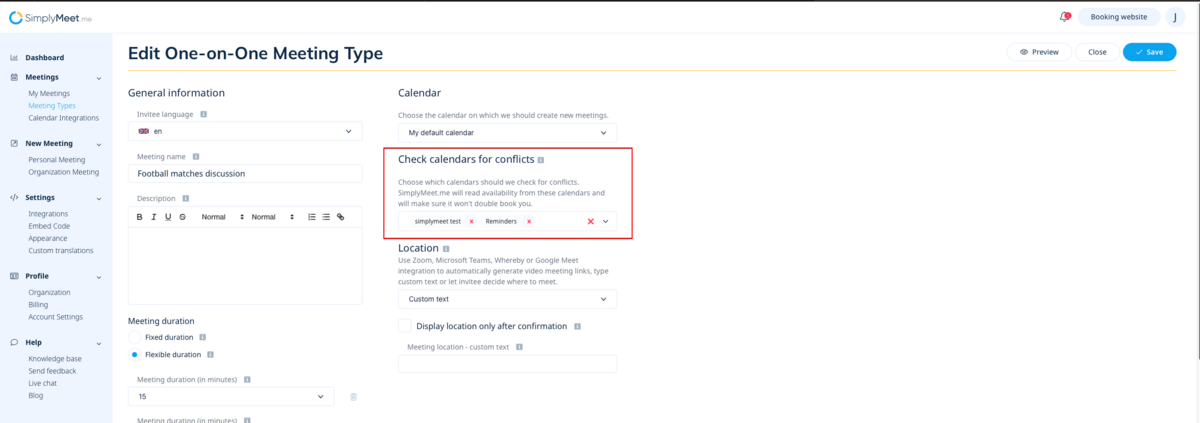
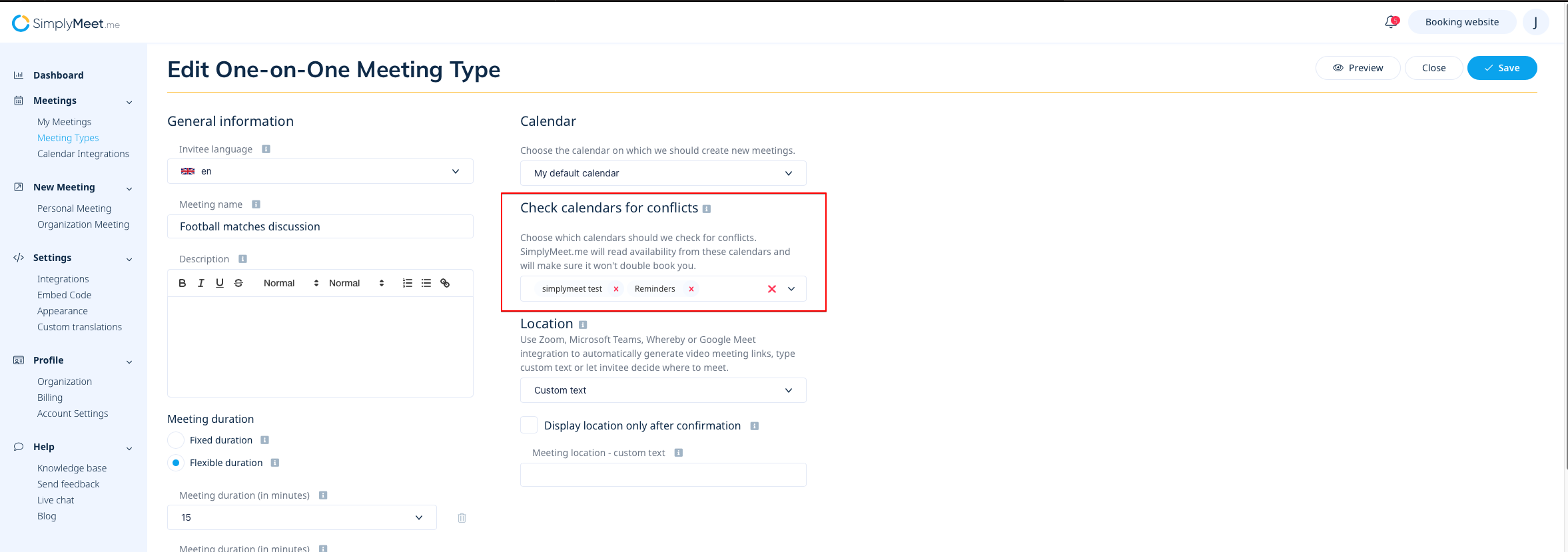
- (optional) You can select the specific calendars to be checked for conflicts per each meeting type if necessary. This settings has higher priority than the one in Calendar integrations

Right now that you have the Calendar connected and your first meeting type created, you can share your booking page link with your invitees.
The link to your scheduling page is available in the top right corner.

The booking page will show your availability according to your connected calendar and the configured meeting type.
By default, the newly created meeting type defines the following availability rules:
- I'm unavailable on Saturdays and Sundays.
- I'm available from 8 am to 4 pm from Monday to Friday.
You can change these rules according to your needs in the Meeting Type configuration later on.
Step 4. Schedule a Meeting
Open your booking page link in the browser and book a test meeting with yourself.
But wait ... there’s more!
Once you’ve got these steps under control, there’s plenty more to explore in SimplyMeet.me.
- Add your branding. Use SimplyMeet.me from your domain.
- Customize the scheduling page so it matches your brand.
- Create a dedicated scheduling system for your organization.
- Integrate with Microsoft Teams and many more applications.
Continue your journey with SimplyMeet.me by checking out our Knowledge Base or reaching out to our helpful support team to hone your SimplyMeet.me experience.
